AI Business Card Maker: Create a Digital Business Card With AI
What Is an AI Business Card Maker?
AnAI business card makeris a tool that uses artificial intelligence to help create a digital business card quickly and efficiently.
Traditional business cards require designing, entering information, printing and distributing physical cards.
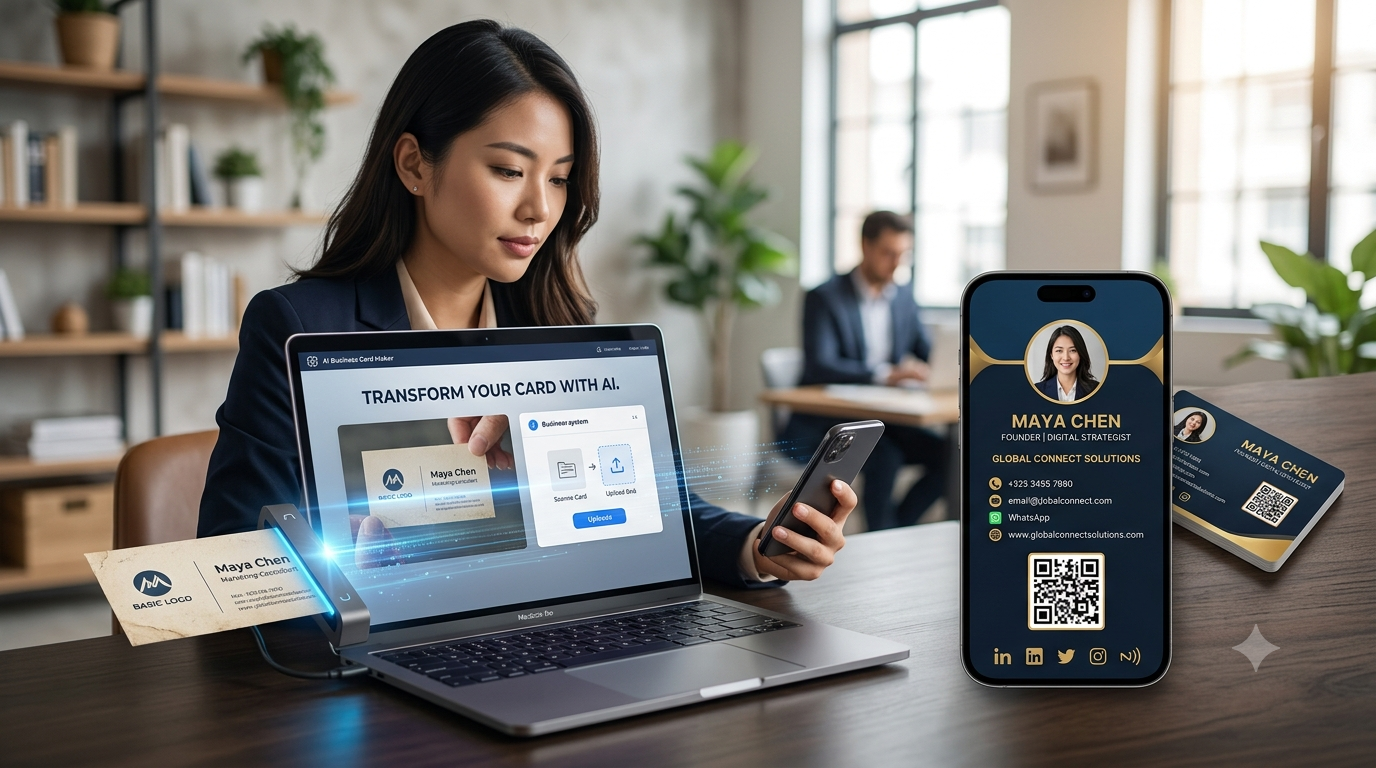
An AI-powered business card maker can simplify the process by helping you create a professional digital profile from the information you provide—or, in some cases, from a photo of an existing physical business card.
For example, you may already have a traditional visiting card containing:
- Name
- Company
- Designation
- Phone number
- Website
- Business address
Instead of manually entering all this information into a digital card, an AI-powered platform can analyze a photo of the card and help convert the information into a digital profile.
The basic process is:
Physical Business Card → AI → Digital Business Card → Share
How Does an AI Business Card Maker Work?
An AI business card maker can combine image recognition, text extraction and digital profile creation.
A typical process looks like this:
Step 1: Upload Your Information
You can enter your business details or upload an image of your existing physical card, depending on the platform.
Step 2: AI Analyzes the Information
If you upload a card image, AI can identify text and information such as:
- Name
- Company
- Job title
- Phone
- Website
- Address
Step 3: Information Is Organized
The extracted information can be placed into the appropriate digital business-card fields.
Step 4: Review and Edit
You should check the information carefully and correct anything that AI may have misunderstood.
Step 5: Customize Your Card
Add your:
- Profile photo
- Company logo
- Social media
- Website
- Products
- Services
Step 6: Share Your Card
Your finished digital business card can then be shared through a link, QR code or NFC card.
Why Use an AI Business Card Maker?
Creating a digital business card manually isn't particularly difficult, but it can become repetitive when you already have a printed business card.
An AI business card maker can help reduce manual data entry.
Instead of:
Read Card → Type Information → Format Information → Create Profile
you can potentially use:
Upload Card → AI Extracts Information → Review → Create Profile
This can make the transition from physical to digital networking more convenient.
10 Benefits of an AI Business Card Maker
1. Faster Business Card Creation
AI can reduce the amount of repetitive information entry involved in creating a digital business card.
This is particularly useful when you're starting with an existing physical card.
2. Convert Physical Business Cards Into Digital Cards
One of the most useful applications of AI is converting information from an existing card into a digital format.
For example:
Take Photo → Upload → AI Reads Information → Digital Card
This allows businesses and professionals to move away from traditional printed cards without manually recreating every detail.
3. Reduce Manual Data Entry
Typing every piece of information can be time-consuming.
AI can help identify and organize common business-card information, potentially reducing the amount of typing required.
4. Create a More Complete Digital Profile
A physical business card has limited space.
Your digital profile can include much more information, such as:
- Contact details
- Website
- YouTube
- Products
- Services
- Portfolio
- Business location
This transforms your business card from a simple contact card into a more complete online profile.
5. Update Your Information Easily
Printed business cards become outdated when information changes.
A digital business card can be updated without printing a new batch.
For example:
New Phone Number → Update Digital Profile → Continue Sharing
You don't necessarily need to replace your physical NFC card if it points to the same online profile.
6. Share Your Card Anywhere
Once your digital business card is created, you can share it through:
- SMS
- Social media
- QR code
- Digital link
- NFC card
This makes digital networking possible both online and offline.
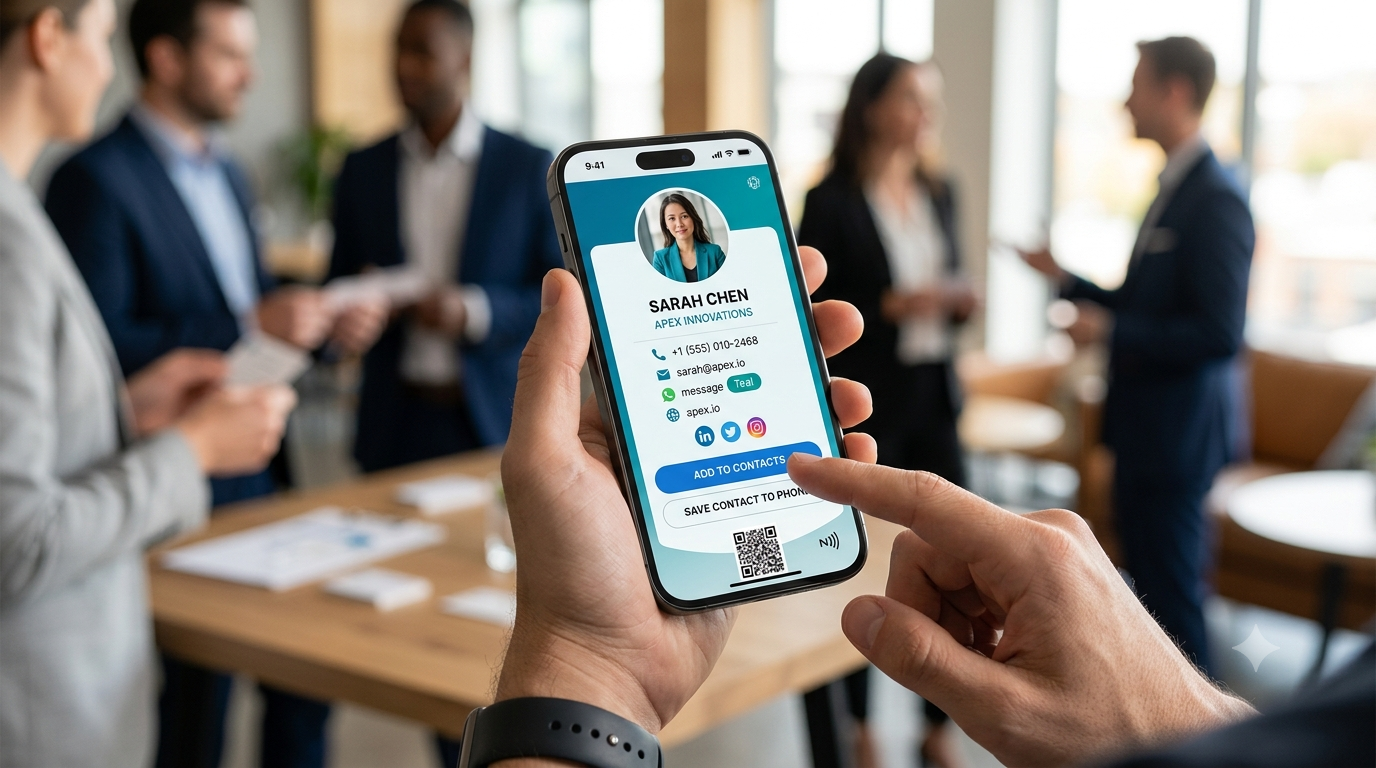
7. Add WhatsApp
For businesses that rely on WhatsApp for customer communication, adigital business cardcan include a direct WhatsApp option.
The customer journey can be:
Digital Card → WhatsApp → Customer Enquiry
This reduces the effort required to find or manually enter a phone number.
8. Connect Your Social Media
Your physical card may only have room for one or two social media accounts.
A digital business card can provide links to multiple platforms.
For example:
Instagram + LinkedIn + Facebook + YouTube + Website
This allows prospects to explore your business online.
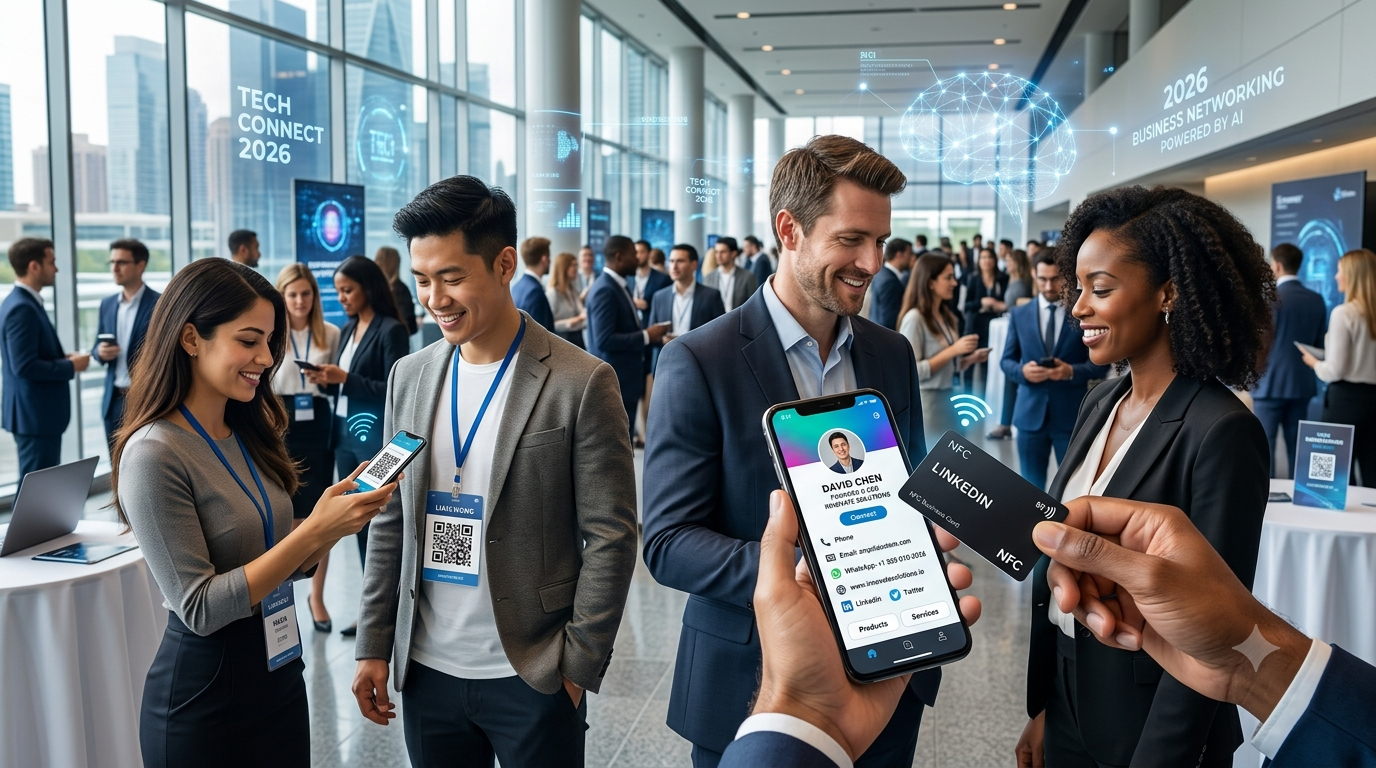
9. Combine AI With NFC
AI can help create your digital business card.
NFC can help you share it.
Together, they provide an interesting networking workflow:
Physical Card Photo → AI → Digital Business Card → NFC → Customer
A customer can tap the NFC card with a compatible smartphone and open your digital profile.
10. Create a Digital Sales Channel
A digital business card doesn't have to stop at contact information.
You can use it to showcase:
- Products
- Services
- Portfolio
- Website
- Online store
For businesses, this can turn a digital business card into a useful customer acquisition and communication tool.
AI Business Card Maker vs Traditional Business Card Maker
| Feature | AI Business Card Maker | Traditional Card |
|---|---|---|
| AI-assisted creation | Yes | No |
| Digital profile | Yes | No |
| Physical printing required | No | Usually |
| Convert physical card | Can support | No |
| Easy updates | Yes | Reprint required |
| WhatsApp links | Yes | Manual |
| Website links | Clickable | Manual |
| Social media | Direct links | Manual |
| Products | Can showcase | Limited |
| QR code | Yes | Can be printed |
| NFC | Can be connected | Requires NFC-enabled card |
| Remote sharing | Yes | Difficult |
The major advantage isn't simply that AI creates the card.
It's that AI can help make thecreation process faster, while the resulting digital card can provide functionality that a traditional printed card cannot.
AI Business Card Maker for Small Businesses
Small businesses often need a simple way to establish an online presence.
An AI business card maker can help them create a professional digital profile without starting from a blank page.
For example, a local business could create a profile containing:
Business Name
About the Business
Phone
Location
Website
Products
Services
Online Store
This can provide customers with a single place to discover and contact the business.
AI Business Card Maker for Sales Professionals
Salespeople meet customers every day.
Instead of handing out another printed card, a sales professional can use an NFC or QR-enabled digital card.
For example:
Meet Customer
↓
Tap NFC Card
↓
Digital Business Card
↓
Product Information
↓
↓
Follow-Up
This can make the business-card exchange part of the sales process.
AI Business Card Maker for Freelancers
Freelancers can use a digital business card to showcase more than contact details.
A freelancer could include:
- Name
- Profession
- Services
- Portfolio
- Website
This gives potential clients a quick overview of their professional work.
AI Business Card Maker for Entrepreneurs
Entrepreneurs often need to represent both themselves and their businesses.
A digital business card can include:
- Personal profile
- Company information
- Business website
- Products
- Services
- Social media
- Contact details
This can be useful during networking events, investor meetings and business conferences.
AI Business Card Maker for Real Estate Professionals
Real estate professionals can use AI-assisted digital cards to connect prospects with:
- Property listings
- Property photos
- Website
- Phone
- Social media
- Location
Instead of simply giving someone a phone number, the digital profile can become a starting point for the customer's property search.
YourCard.in: AI Business Card Maker
YourCard.inprovides a useful AI-powered workflow for people who already have a physical business card.
Instead of manually recreating your existing card, you canupload a photo of the physical business cardand use AI to help create a digital business card from it.
The process:
1. Take a Photo of Your Card
Capture your existing physical business card clearly.
↓
2. Upload the Photo
Upload the image to YourCard.in.
↓
3. AI Reads the Information
AI analyzes the card and identifies relevant information.
↓
4. Create Your Digital Business Card
The extracted information can be used to create your digital profile.
↓
5. Review and Edit
Check your information and make any necessary changes.
↓
6. Add More Digital Information
Add WhatsApp, social media, products, services and other information.
↓
7. Share Your Card
Share your digital profile through a link, QR code or NFC card.
What Makes YourCard.in Different?
YourCard.in isn't only about creating a digital business card from scratch.
The platform is designed to connect several parts of modern business networking.
AI Card Creation
Upload a photo of an existing physical card and use AI to help convert it into a digital card.
Digital Business Card
Create a professional online profile.
QR Code
Give people a simple scan-based way to access your profile.
NFC Card
Use an NFC card for tap-based networking.
Allow customers to connect with you directly.
Products & Services
Showcase what your business offers.
Online Store
Create a store with different categories and redirect customers to WhatsApp for purchases.
This creates a complete flow:
AI → Digital Card → QR/NFC → Customer → WhatsApp → Products → Purchase
How to Get Better Results From an AI Business Card Maker
AI can make the process easier, but the quality of your input still matters.
Use a Clear Business Card Photo
Avoid blurry images.
Use Good Lighting
Make sure all text is visible.
Avoid Reflections
Glossy cards can produce glare that makes text difficult to read.
Capture the Full Card
Don't crop important information.
Use a Straight Photo
Try to photograph the card from directly above.
Check the AI Results
Always verify:
- Phone number
- Website
- Company name
- Address
Even a small error in a phone number or website can cause problems.
Can AI Create a Business Card From Scratch?
Yes.
Some AI tools can generate designs or organize business information into a professional card.
However, there is an important distinction.
AI Design Generation
AI helps create the visual design.
AI Information Extraction
AI reads information from an existing card.
AI Digital Card Creation
AI helps turn information into a digital profile.
YourCard.in's particularly useful use case isAI-assisted conversion of an existing physical business card into a digital business card.
AI Business Card Maker + QR Code
QR codes make digital cards easy to share.
You can place a QR code on:
- Printed business cards
- Flyers
- Posters
- Packaging
- Brochures
- Websites
- Social media
A person can scan the QR code and open your digital business card.
AI Business Card Maker + NFC Card
NFC is particularly useful for face-to-face networking.
The interaction is simple:
Tap → Open Digital Card → Connect
You can order an NFC card that points to your digital profile and use it during:
- Meetings
- Conferences
- Exhibitions
- Networking events
- Customer visits
AI Business Card Maker + WhatsApp
For businesses that use WhatsApp for sales and customer support, connecting WhatsApp to your digital card can be valuable.
A potential customer can:
Open Digital Card → Tap WhatsApp → Start Chat
This can shorten the path from discovering your business to contacting you.
AI Business Card Maker + Online Store
Your digital business card can also act as an entry point to your online store.
With YourCard.in, users can create stores with different categories and direct customers to WhatsApp for purchases.
For example:
Digital Business Card
↓
Online Store
↓
Product Category
↓
Product
↓
↓
Purchase / Enquiry
This can be particularly useful for small businesses and independent sellers.
Is an AI Business Card Maker Better Than a Normal Digital Business Card Maker?
The answer depends on what you need.
If you are starting from scratch, a normal digital card builder may be enough.
But if you already have a physical business card, AI can save time by helping extract the information automatically.
The key benefit is:
Less Manual Work + Faster Digital Conversion
The digital card itself can then provide the usual advantages of digital networking.
Is an AI Business Card Maker Accurate?
AI can be very useful, but you should not assume that every extracted detail will always be correct.
Accuracy can depend on:
- Image quality
- Lighting
- Font
- Card design
- Text size
- Image resolution
- Card orientation
For this reason, the best workflow is:
AI Extracts → User Reviews → User Corrects → Publish
Always check important contact information before sharing your card.
Frequently Asked Questions
What is an AI business card maker?
An AI business card maker is a tool that uses artificial intelligence to help create a digital or visual business card, including extracting information from an existing physical card in some platforms.
Can AI create a digital business card?
Yes. AI can help organize business information and, depending on the platform, extract information from a physical business card to create a digital profile.
Can I convert my physical business card into a digital card?
Yes. YourCard.in allows users to upload a photo of an existing physical business card and use its AI-powered feature to help create a digital business card.
Can an AI business card include WhatsApp?
Yes. A digital business card can include a WhatsApp button for direct communication.
Can I connect an AI business card to NFC?
Yes. An NFC card can be configured to open your digital business card, allowing people to access your profile through a tap.
Can I add a QR code to my digital business card?
Yes. QR codes can provide another convenient way to access your digital profile.
Can I add products to an AI-generated digital business card?
Yes, if the digital business card platform supports products or services. YourCard.in allows users to showcase products and create online stores.
Can I update my AI-generated business card?
Yes. You should be able to edit your digital profile and keep your information updated after the initial AI-assisted creation.
Final Thoughts
AnAI business card makercan make the transition from traditional networking to digital networking much easier.
Instead of manually recreating an existing physical business card, AI can help extract the information and turn it into a digital profile.
But the real value comes from what you can doafter the card is created.
With a modern digital business card, you can combine:
AI + Digital Card + QR Code + NFC + WhatsApp + Social Media + Products + Online Store
WithYourCard.in, you can upload a photo of your existing physical business card, use AI to help create your digital card, customize your profile, connect WhatsApp and social media, showcase products and services, order an NFC card and create an online store that redirects customers to WhatsApp.
Your traditional business card doesn't have to remain just a piece of printed paper.
Turn your existing business card into a smarter digital business card with AI and YourCard.in.